Scan with LiDAR
Walk each room slowly and the app captures walls, doors, windows and furniture using Apple's RoomPlan.
 Scan the Home
iPhone · iPad · LiDAR
Scan rooms with your iPhone or iPad's LiDAR sensor and turn them into a floorplan, a 3D model, and measurements. Organize them by house and floor, then export what you need.
Coming soon to the App Store Read the guide
No account or sign-in. Scanning needs an iPhone 12 Pro or later Pro model, or an iPad Pro with LiDAR.
Walk each room slowly and the app captures walls, doors, windows and furniture using Apple's RoomPlan.
Keep every house organized by floor and room. See each floor's floorplan and Total Area at a glance.
View a combined 3D model or combined floorplan that shows all your scanned floors together.
Floor area, ceiling height, volume and detected furniture for every room, in square feet and feet for US locales.
Floorplans as SVG, PNG, JPG or PDF. 3D models as USDZ, STL or OBJ, for AR Quick Look, 3D printing, Blender and more.
Redo a floor whenever things change, such as after a remodel.
No account, and we run no servers for the app. Your scans live on your device and sync through your own private iCloud. The camera feed is used live to build the model, and no photos or video of your rooms are kept. Read the privacy policy.
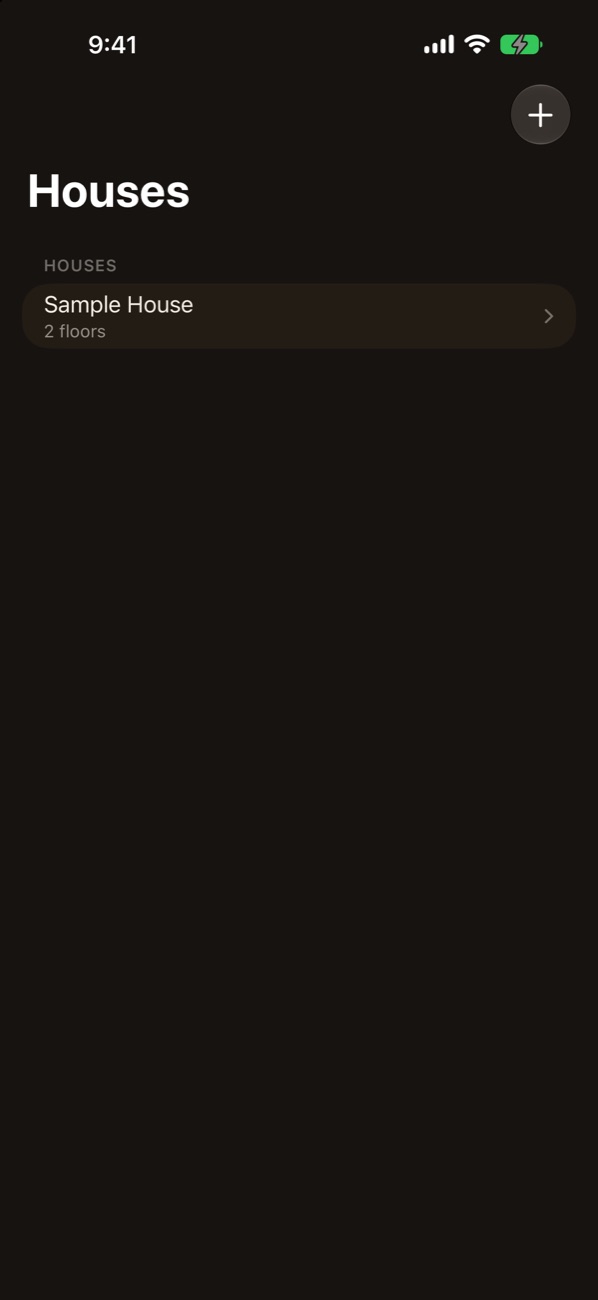
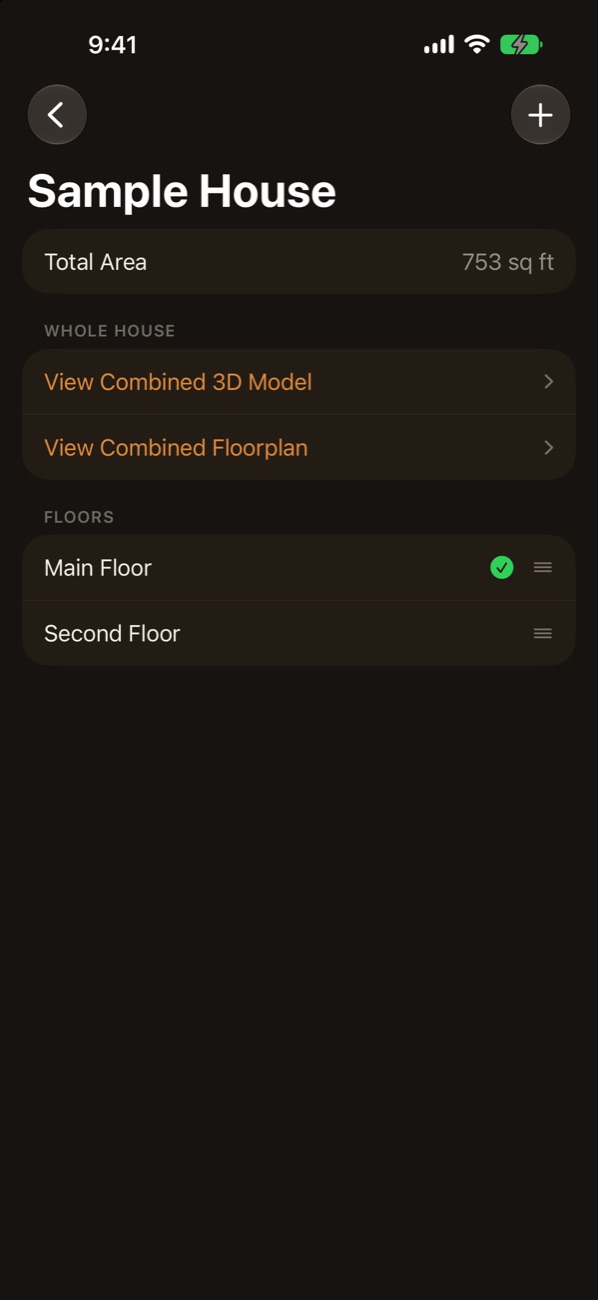
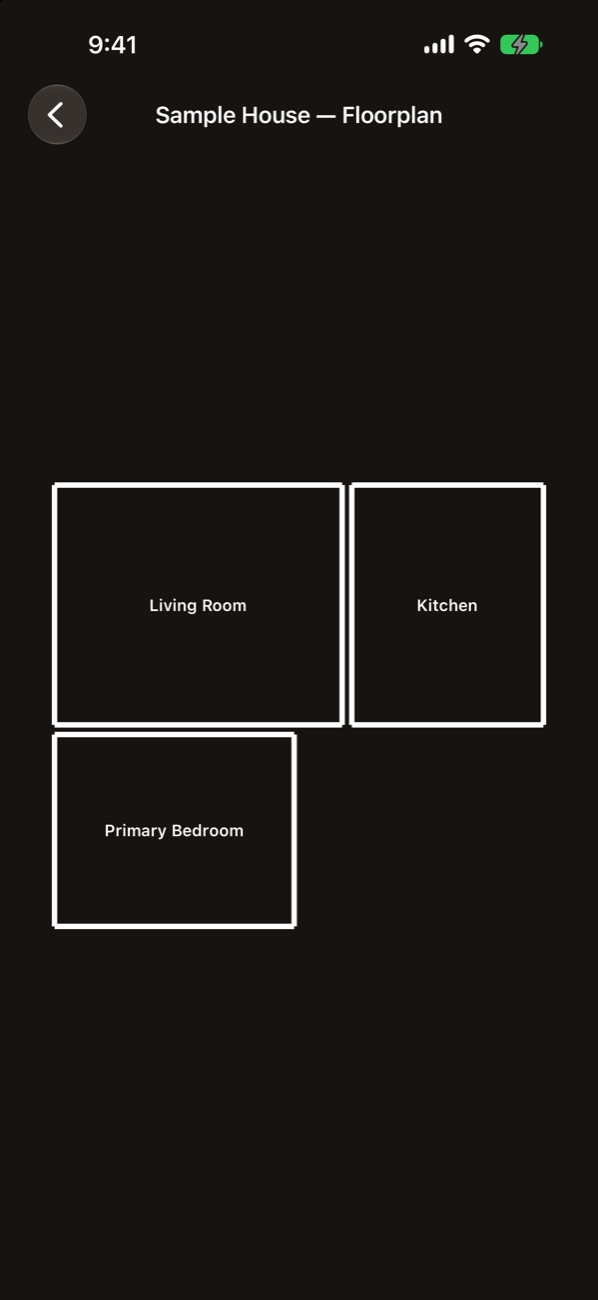
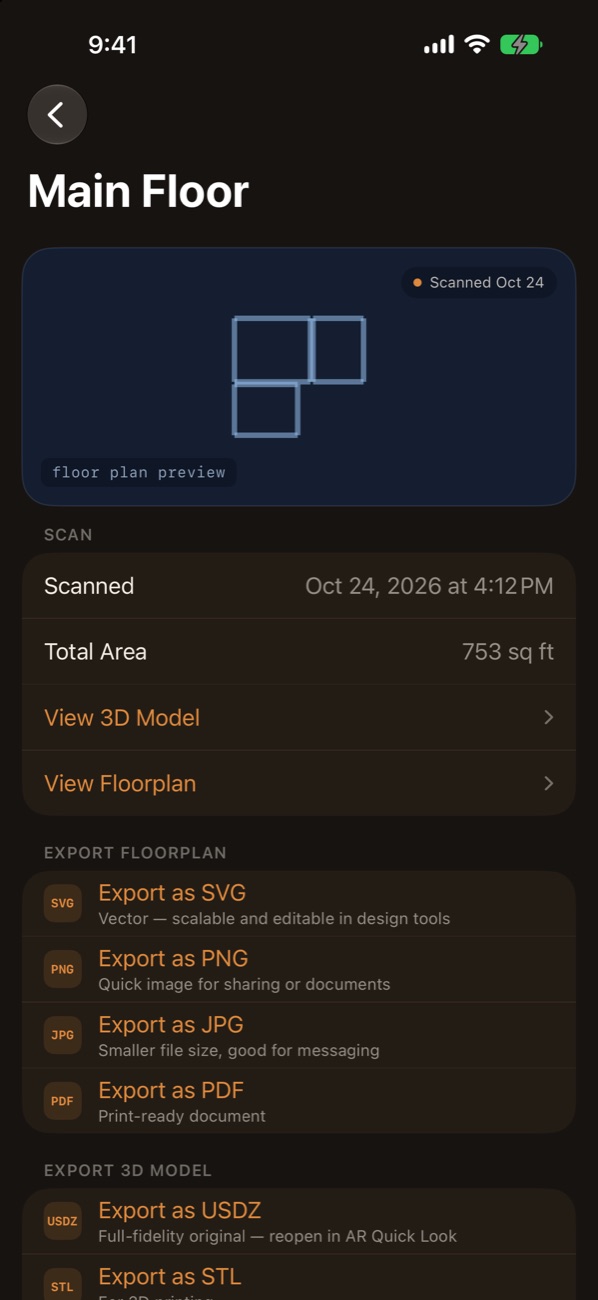
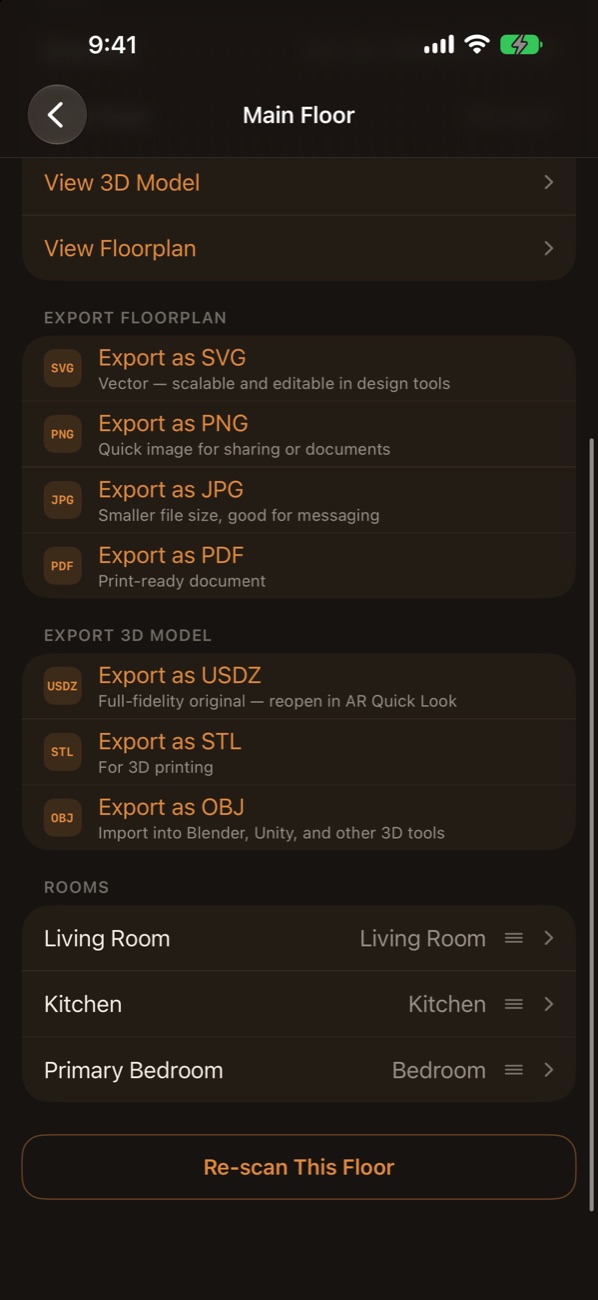
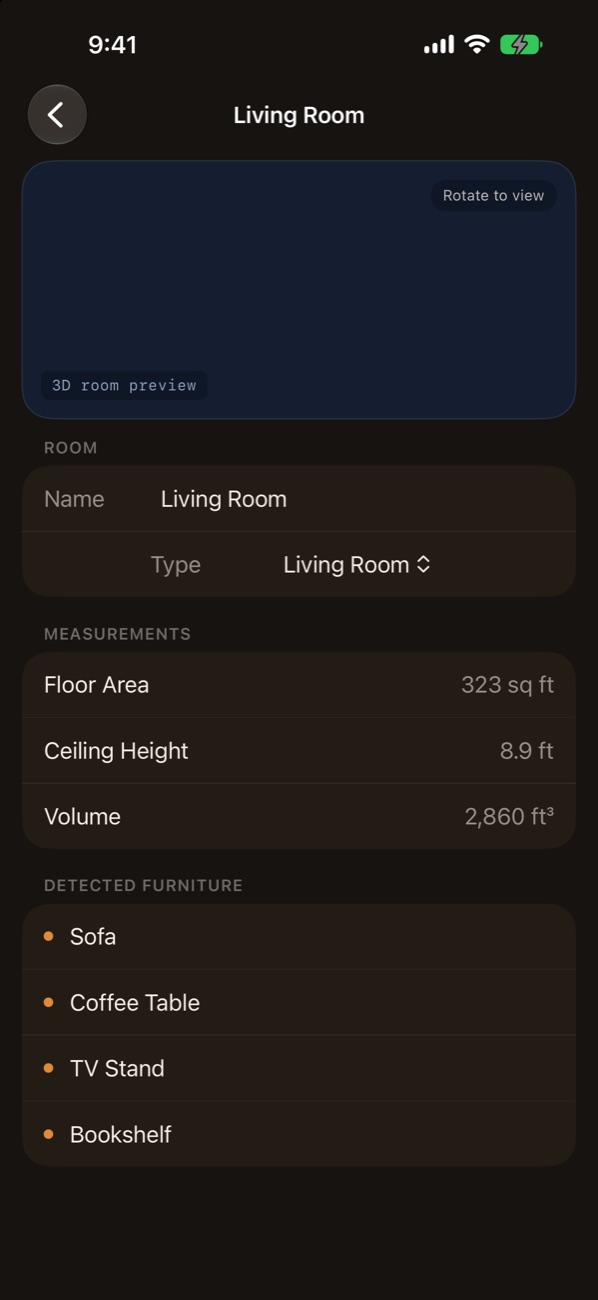
Screenshots show sample data, so the floorplans are plain outlines and the room preview is blank.